FVTV Creator Tools / Recording Guide
BEFORE YOU RECORD ANOTHER TRACK, CHECK YOUR SIGNAL CHAIN.
A new mic cannot fix every recording problem. What you plug it into, what you hear through and the room around you all matter before the mix.
Affiliate disclosure: FVTV Media may earn commissions on qualifying Thomann purchases through links on this page. These are comparisons based on published specifications, not hands-on tests or paid rankings.
Guide reviewed October 21, 2026. Thomann sets current stock, prices and shipping.
The basics
WHAT A RECORDING CHAIN ACTUALLY NEEDS.
Choose for your voice, room and kind of session.
Bring an XLR mic into your computer and software.
Hear your performance and playback while recording.
Keep placement consistent and your hands free.
Already have part of the setup? Fill the gap rather than buying a full bundle on top of gear you own.
Six FVTV Picks
THE GEAR TO COMPARE.
Choose by what you need, not by hype. Each button opens FVTV's tracked Thomann collection, where you can find the named model and today's price.
Dynamic vocal mic
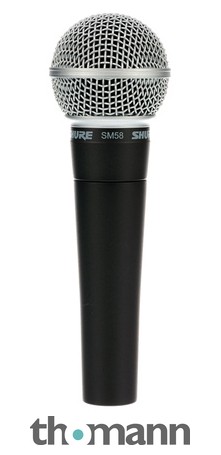
Shure SM58 LC
Performance and vocal recording
A cardioid dynamic microphone with an integrated pop filter and robust metal grille.
Before buying: You still need an XLR connection and a compatible interface or mixer.
Find in FVTV Picks (opens in a new tab)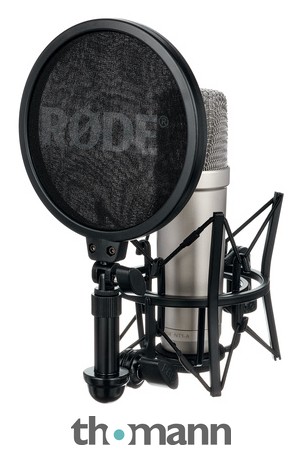
Condenser mic kit
Rode NT1-A Complete Vocal Recording
Recording vocals in a controlled space
A condenser microphone with a shock mount, pop shield and XLR cable.
Before buying: Check that your audio interface supports 48V phantom power. The room still matters.
Find in FVTV Picks (opens in a new tab)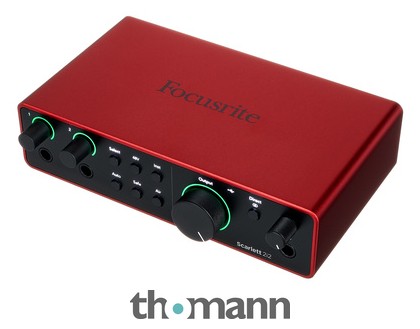
Audio interface
Focusrite Scarlett 2i2 4th Generation
Recording microphones into a computer
A two-input USB interface with preamps, phantom power and loopback.
Before buying: This is an interface, not a microphone. Check software and computer compatibility.
Find in FVTV Picks (opens in a new tab)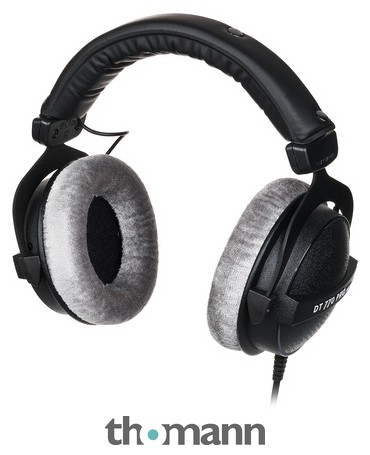
Studio headphones
beyerdynamic DT-770 Pro 80 Ohm
Monitoring tracks and hearing your takes
Wired, closed-back over-ear headphones designed for studio use.
Before buying: Confirm that your headphone output can drive the 80-ohm version. Fit is personal.
Find in FVTV Picks (opens in a new tab)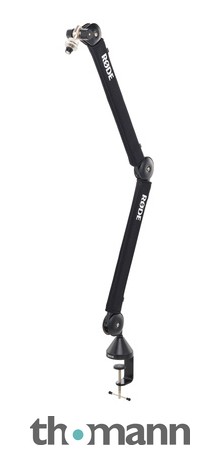
Mic boom arm
Rode PSA1+
Desk vocals, streaming and interviews
An adjustable desk-mounted boom arm with integrated cable clips.
Before buying: Check the microphone weight, thread and desk mounting space.
Find in FVTV Picks (opens in a new tab)Starter recording bundle
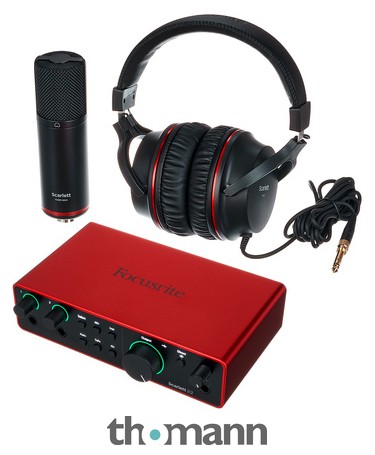
Focusrite Scarlett 2i2 Studio 4th Gen.
A microphone, interface and headphones together
This package combines an interface, condenser mic, headphones and an XLR cable.
Before buying: If you already have an interface or microphone, compare separate options first.
Find in FVTV Picks (opens in a new tab)Product photos: Thomann listings. FVTV has not personally tested every item in this selection.
Shop for what is missing
DON'T BUY WHAT YOU ALREADY HAVE.
| Need | Compare | Use |
|---|---|---|
| Vocal microphone | SM58 LC or NT1-A kit | Different mic types and recording environments |
| Computer recording inputs | Scarlett 2i2 | Connects an XLR mic to recording software |
| Monitoring | DT-770 Pro | Wired, closed-back listening |
| Desk positioning | PSA1+ | Mounts a mic for recording or interviews |
| Starting with little equipment | Scarlett Studio bundle | Mic, headphones, interface and cable together |
Mic position, room sound and basic gain staging may matter more than an accessory purchase.
Check products and availability (opens in a new tab)After recording
FINISH THE RECORD.
Once you get the take, the final mix is its own job. FVTV Studios offers mix and master services for independent releases.
Explore FVTV Studios ↗